

Paving estimating software
Bid more paving jobs. Carry asphalt in tons.
Draw the paved area once and set the pavement section. Parts on your paving item work out the aggregate base in cubic yards and the asphalt in tons, from the thicknesses and your plant's density.
Illustration on a made-up plan.
What you take off for paving.
Take off paving and flatwork by area on the paving plan, curb by the foot, and striping, symbols and signs on the striping plan. Each pavement section gets its own item.
| What you take off | How | Carried in |
|---|---|---|
| Asphalt paving on aggregate base Drawn as an area. A part gives the base from the area times its thickness, another the asphalt tons from the area, its thickness and the density. | Area | SY, CY, TON |
| Mill existing asphalt | Area | SY |
| Sealcoat | Area | SY |
| Concrete sidewalk The walk's area times its thickness. | Volume | CY |
| Curb and gutter | Linear | LF |
| Detectable warning panels | Count | EA |
| Stall and lane striping | Linear | LF |
| Arrows, words and accessible symbols | Count | EA |
| Wheel stops | Count | EA |
| Signs on posts | Count | EA |
One area, the whole pavement section.
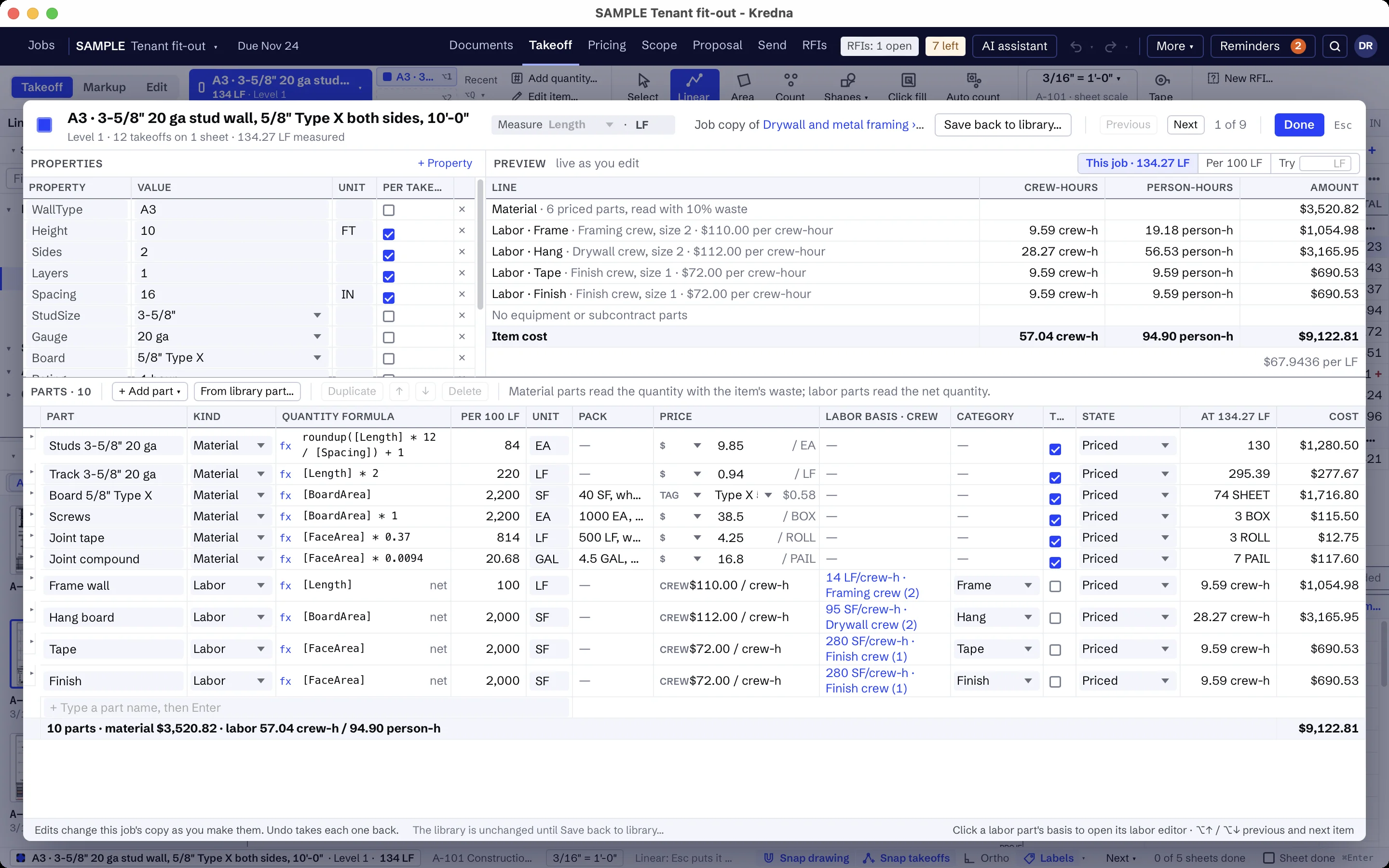
Give your asphalt item the base and asphalt thicknesses from the pavement section detail as properties. Copy the item for each section on the legend, such as heavy duty, standard duty and fire lane.
Make the asphalt density a property too, set to your plant's figure, and the tons follow it.
Striping measured and counted on the sheet.
Draw stall and lane lines by the foot and count arrows, symbols, wheel stops and signs on the striping plan. Auto count: box one symbol and every match on that sheet is counted as the item you hold.
Keep the subgrade off your number.
Keep clauses in your company list that exclude earthwork and subgrade below the base, storm structures and testing, and say the subgrade is to be at grade and compacted before your base goes down.
Build your paving items once.
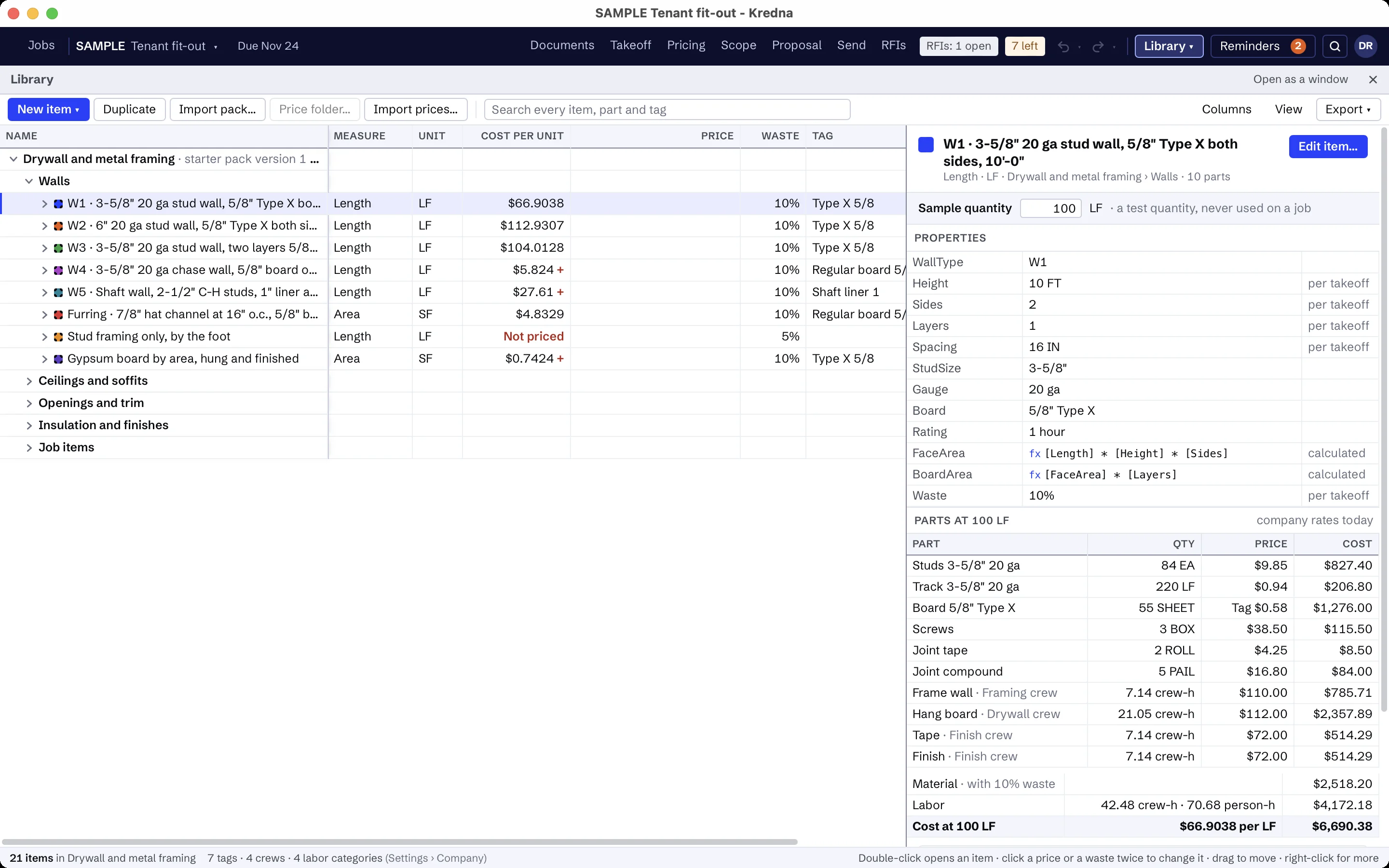
There is no paving starter pack. Build your items in your library, in folders for asphalt, concrete flatwork, and striping and signs. Make the asphalt item an assembly with its base and its tonnage as parts. Items like these:
- Asphalt paving, with aggregate base in CY and asphalt in TON
- Mill existing asphalt, in SY
- Sealcoat, in SY
- Concrete sidewalk, with its thickness
- Concrete curb and gutter
- Detectable warning panel
- Pavement striping, 4" line
- Pavement arrows and symbols
- Wheel stop
- Sign on post
- Your own clauses for base and paving, striping and signs, subgrade, drainage structures and testing
The prices are yours to set. A part without a price shows as Missing, never as zero, and every total that includes it is marked incomplete until you price it.
Paving scope that is usually someone else's.
Set up the scope assistant for paving once: what to look for, which sheets and spec sections to read, and what is usually by others. It reads the paving, striping and grading plans and the pavement sections, highlights each reference so you can jump to it, and flags lines like these as usually another trade's. Its findings stay drafts until you accept them.
- Earthwork and subgrade below the base
- Storm drainage structures, unless listed
- Landscaping and irrigation sleeves
- Site lighting and its bases
AI findings need estimator review. Check quantities, costs and scope against the project documents before submitting a bid.
Moving from another takeoff tool?
Pick an item, measure on the sheet and watch the quantity total in the job tree. Build your items once in the library, and the takeoff, pricing and proposal all read the same job.
Paving and striping questions
Can Kredna carry asphalt in tons?
Can I price milling, overlay and sealcoat?
Can it count repeated symbols on the striping plan?
Does it come with asphalt prices?
What does the scope assistant look for on a paving set?
Bring a paving set you know.
See a site plan taken off by pavement section, with base, tons and striping priced in one place.