

Fence estimating software
Bid more fence jobs. Get the posts right.
Draw each run on the site plan and set its height and post spacing. Parts on your fence item work out the fabric, top rail, line posts and terminal posts from the same run.
Illustration on a made-up plan.
What you take off for fencing.
Take off fence by type and height on the site plan and count gates by type and width. Each run carries its own terminal posts.
| What you take off | How | Carried in |
|---|---|---|
| Chain link fence Drawn by the run with its height and post spacing. Fabric and top rail by the foot, line posts at the spacing, a terminal post at each end. | Linear | LF, EA |
| Ornamental fence A formula gives the face from the length times the height you set. | Linear | LF, SF |
| Wood fence With its height as a property of the item. | Linear | LF |
| Corner and gate posts Counted where the details show them, on top of each run's terminal posts. | Count | EA |
| Single swing gates With the gate's width. | Count | EA |
| Double swing gates With the opening's width. | Count | EA |
| Slide and cantilever gates With the opening's width. | Count | EA |
| Bollards | Count | EA |
| Temporary construction fence | Linear | LF |
Posts from your spacing.
Give the fence item a post spacing and a formula for the posts: one more post than bays in each run, so every run gets a line post at each spacing and a terminal post at each end. Count corner and gate posts where the details show them.
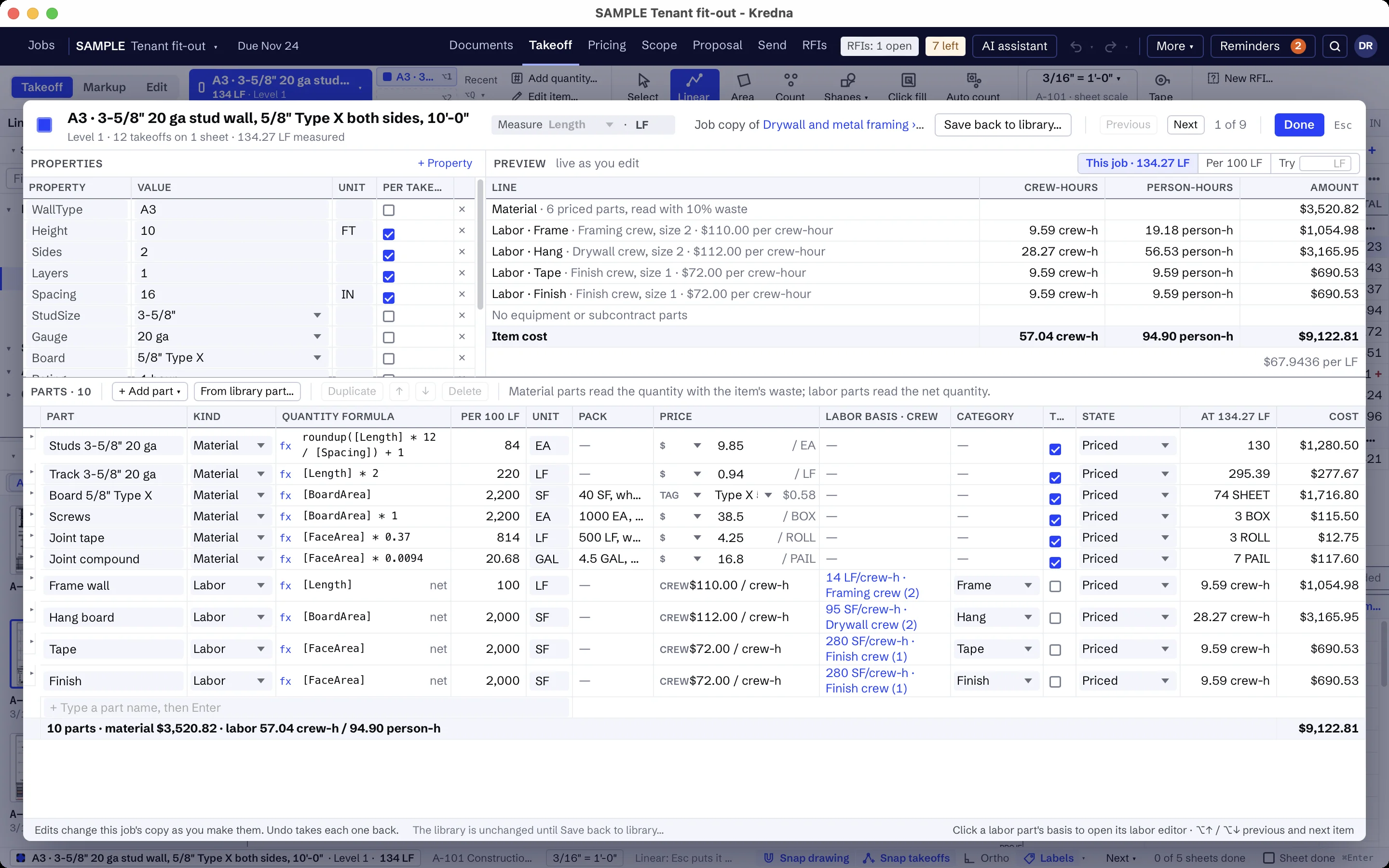
Gates by type and width.
Count single, double and slide gates on the site plan, each with its width. Keep operators and access controls as their own items, so they show in the bid only when they are yours.
Keep the fence line clear in the proposal.
Keep clauses in your company list that include fence and gates with posts and footings and the gate hardware in the details, exclude gate operators and their wiring, clearing and grading along the line and property line survey, and say the line is to be clear and at grade when you start.
Build your fence items once.
There is no fencing starter pack. Build your items in your library, in folders for fence and gates. Make the chain link item an assembly with its fabric, top rail and posts as parts, so a change to the post spacing reaches every run. Items like these:
- Chain link fence, with fabric, top rail, line posts and terminal posts
- Ornamental fence, by length and height
- Wood fence, with its height
- Temporary construction fence
- Swing gate, single, with its width
- Swing gate, double, with the opening's width
- Slide gate, with the opening's width
- Bollard
- Your own clauses for fence and gates, gate hardware, operators, clearing, survey and site access
The prices are yours to set. A part without a price shows as Missing, never as zero, and every total that includes it is marked incomplete until you price it.
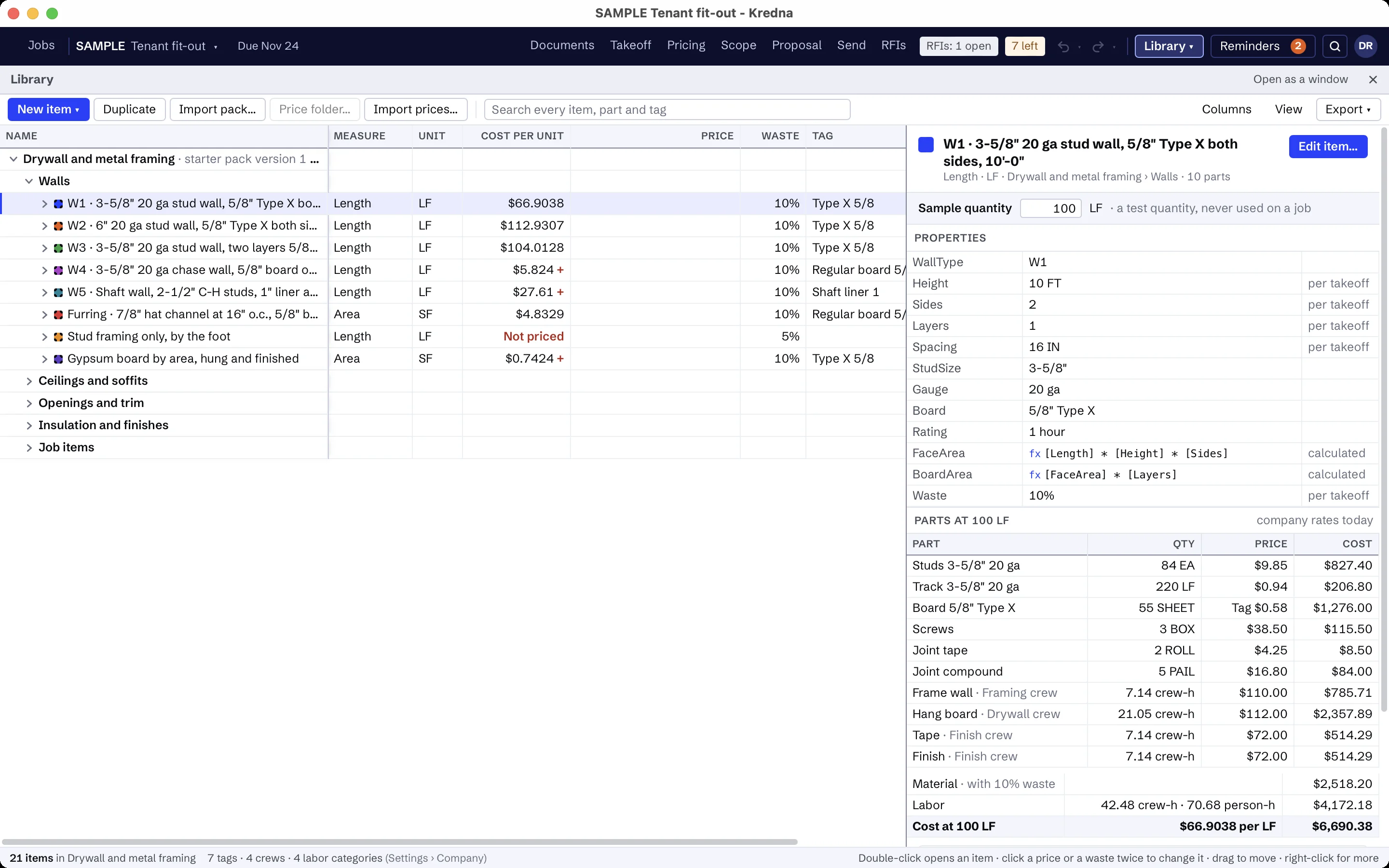
Fence scope that is usually someone else's.
Set up the scope assistant for fencing once: what to look for, which sheets and spec sections to read, and what is usually by others. It reads the site plans and fence and gate details for fence by type and height, gates and bollards, highlights each reference so you can jump to it, and flags lines like these as usually another trade's. Its findings stay drafts until you accept them.
- Power and control wiring to gate operators
- Masonry or concrete enclosure walls
- Clearing and grading along the fence line
- Railings on the building
AI findings need estimator review. Check quantities, costs and scope against the project documents before submitting a bid.
Moving from another takeoff tool?
Pick an item, measure on the sheet and watch the quantity total in the job tree. Build your items once in the library, and the takeoff, pricing and proposal all read the same job.
Fencing questions
How does Kredna count fence posts?
Can I take off different fence heights?
Can I price gates by width?
Does it come with fence prices?
What does the scope assistant look for on a fence set?
Bring a fence job you know.
See the runs, posts and gates of a real site plan taken off and priced in one place.