

Demolition estimating software
Bid more demolition work. Know what comes out.
Take off the walls, ceilings, floors and slab to come out, right on the demolition plans. Price the crews, hauls and protection, and send a proposal that says where your work stops.
Illustration on a made-up plan.
What you take off for demolition.
Draw each removal on the demolition plan and match it to its keynote. Give walls a height and slab a thickness on the item, and the face area or the debris comes off the same line.
| What you take off | How | Carried in |
|---|---|---|
| Interior partitions to remove Drawn along the wall. A formula on the item gives the face area from the length and the height. | Linear | LF, SF |
| Ceilings to remove From the demolition reflected ceiling plan. | Area | SF |
| Floor finishes to remove | Area | SF |
| Slab on grade to remove The slab area times the thickness you set as its depth. Add swell as waste for the haul. | Volume | CY |
| Saw cuts With the cut depth as a property of the item. | Linear | LF |
| Core drilling | Count | EA |
| Doors and frames | Count | EA |
| Items to salvage, protect or hand back From the keyed notes. | Count | EA |
| Temporary dust barrier Drawn along its run with a height. Poly sheeting comes from the face area. | Linear | LF, SF |
| Dumpster hauls A typed quantity, with no drawing. | Typed | EA |
Read the keynotes, then draw.
Demolition plans put most of the scope in keyed notes. Make an item for each kind of removal, match it to its note and take it off in a folder for each floor or area of the building.
When the phasing plan splits the work, give each phase its own folder so it carries its own quantities and its own price. Mark a folder as an alternate when the GC asks for one.
Price the hauls and the protection.
Removals are only part of a demolition bid. Carry dumpsters as a typed quantity, dust barriers by their face and protection of finishes to remain as their own items.
Put labor on each item as a production rate, total hours or a crew for a number of days, in your own labor categories, with equipment and disposal as parts beside it.
Say where your work stops.
Abatement, utility disconnects and patching are where demolition scope gets argued. Keep exclusions for them in your company clause list, with a clarification for conditions hidden behind finishes.
Write the wording once, and each new job adds the clauses for its trades to Scope, ready to edit for that bid.
Check the takeoff when an addendum replaces a sheet.
Add the addendum in Documents. A sheet with the same number replaces the old one, the old sheet stays marked as replaced, and any takeoffs still on it are flagged for you to check.
Build your demolition items once.
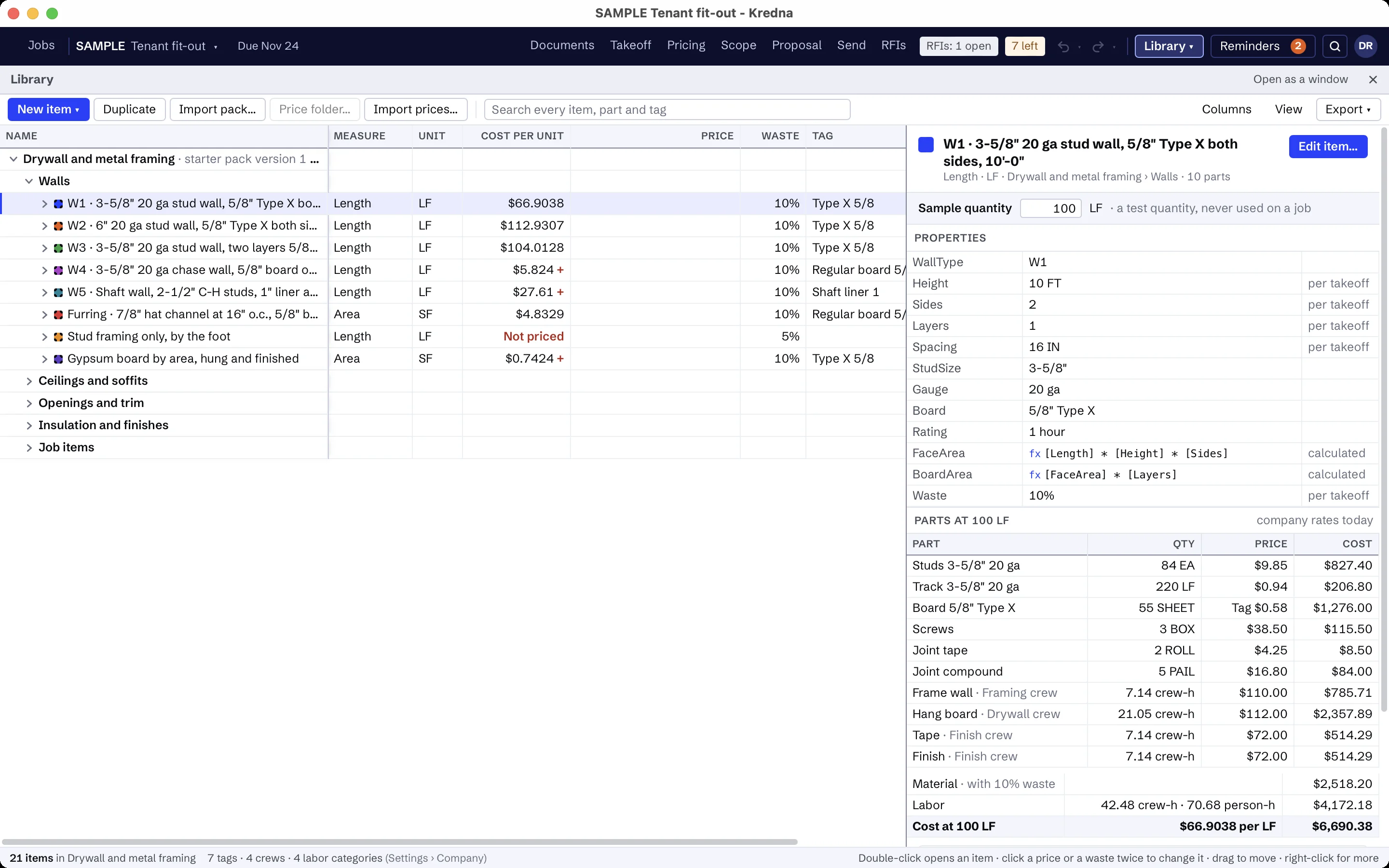
There is no demolition starter pack. Build the items your company prices in a Demolition folder in your library, each with its properties and parts. Every job copies an item the first time it uses it. Items like these:
- Remove interior partitions, by length and height
- Remove ceilings
- Remove floor finishes
- Remove slab on grade, with the debris in CY from its thickness
- Remove doors and frames
- Salvage and hand back to the owner
- Saw cut slab, with its cut depth
- Core drill
- Dumpster, each haul
- Temporary dust barrier, with poly sheeting
- Your own clauses for removal and disposal, protection, abatement, utilities, patching and hidden conditions
The prices are yours to set. A part without a price shows as Missing, never as zero, and every total that includes it is marked incomplete until you price it.
Demolition scope that is usually someone else's.
Set up the scope assistant for demolition once: what to look for, which disciplines and spec sections to read, and what is usually by others. It reads the demolition plans, keynotes and phasing plans for removals, salvage and protection, highlights each reference on the sheet so you can jump to it, and flags lines like these as usually another trade's. Its findings stay drafts until you accept them.
- Hazardous material testing and abatement, such as asbestos and lead, unless the documents give it to you
- Disconnecting and capping utilities and equipment
- Patching and new finishes after removal
- Items the mechanical, electrical and plumbing trades take out themselves
AI findings need estimator review. Check quantities, costs and scope against the project documents before submitting a bid.
Moving from another takeoff tool?
Pick an item, measure on the sheet and watch the quantity total in the job tree. Build your items once in the library, and the takeoff, pricing and proposal all read the same job.
Demolition questions
Can I take off demolition from the keynotes?
How do I carry slab removal in cubic yards?
Can the proposal exclude abatement?
Does Kredna come with demolition prices?
What does the scope assistant look for on a demolition set?
Bring a demolition set you know.
See the removals, hauls and exclusions of a job you bid taken off and priced in one place.